
← All the waysAMAZON ECHO · BLUETOOTH
JFK on Alexa
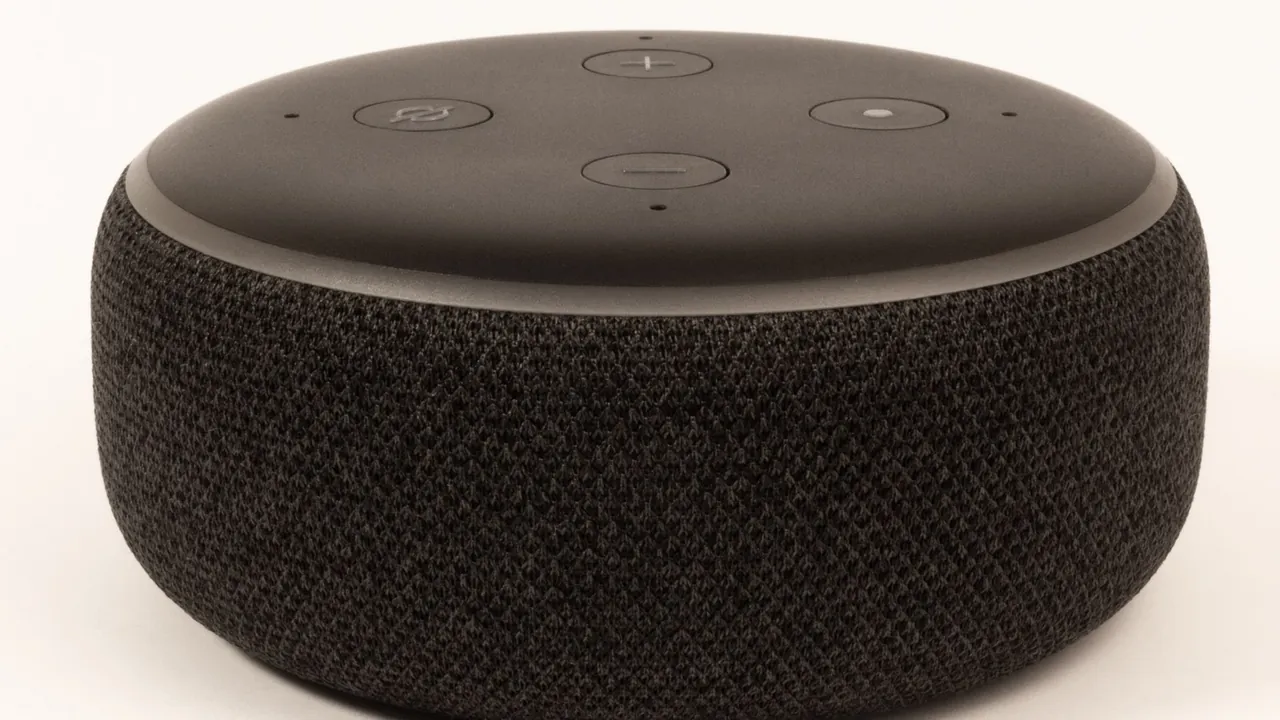
Use your Echo as a speaker for JFK. Pair your phone once; after that it's just one sentence.
STEP BY STEP
How to switch on JFK
- 1
Pair your phone
Say ‘Alexa, pair Bluetooth’, or in the Alexa app choose your Echo › Bluetooth Devices › Pair a New Device.
- 2
Choose your Echo
Select the Echo in your phone's Bluetooth settings.
- 3
Start JFK
Open jfkibiza.es or the JFK app and tap Listen live. JFK now plays from your Echo.
- 4
Done listening?
Say ‘Alexa, disconnect’. Next time say ‘Alexa, connect’ and your phone reconnects.
- “Alexa, connect”
- “Alexa, volume 6”
- “Alexa, disconnect”
OR LISTEN LIKE THIS