
← All the waysAIRPLAY 2 · BLUETOOTH
JFK on Sonos
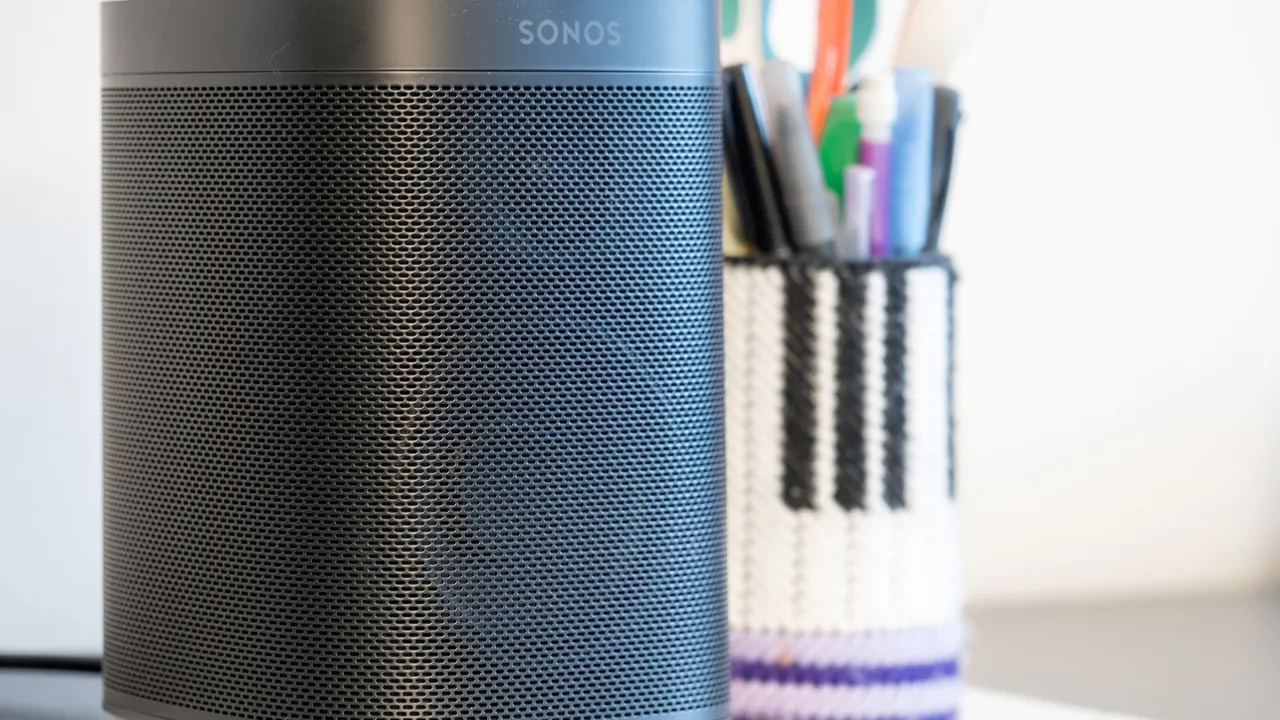
The rich sound of JFK all through your home. Send the radio via AirPlay to one Sonos speaker or all of them at once.
STEP BY STEP
How to switch on JFK
- 1
Start JFK on your iPhone, iPad or Mac
Open jfkibiza.es or the JFK app and tap Listen live.
- 2
Tap AirPlay
Open Control Centre (iPhone) or click the AirPlay icon in the menu bar (Mac).
- 3
Choose your Sonos
Choose one speaker or tick several for music in every room. Adjust the volume on your phone or in the Sonos app.
OR LISTEN LIKE THIS