
← All the waysAIRPLAY · CHROMECAST · GOOGLE NEST
JFK on your speakers at home
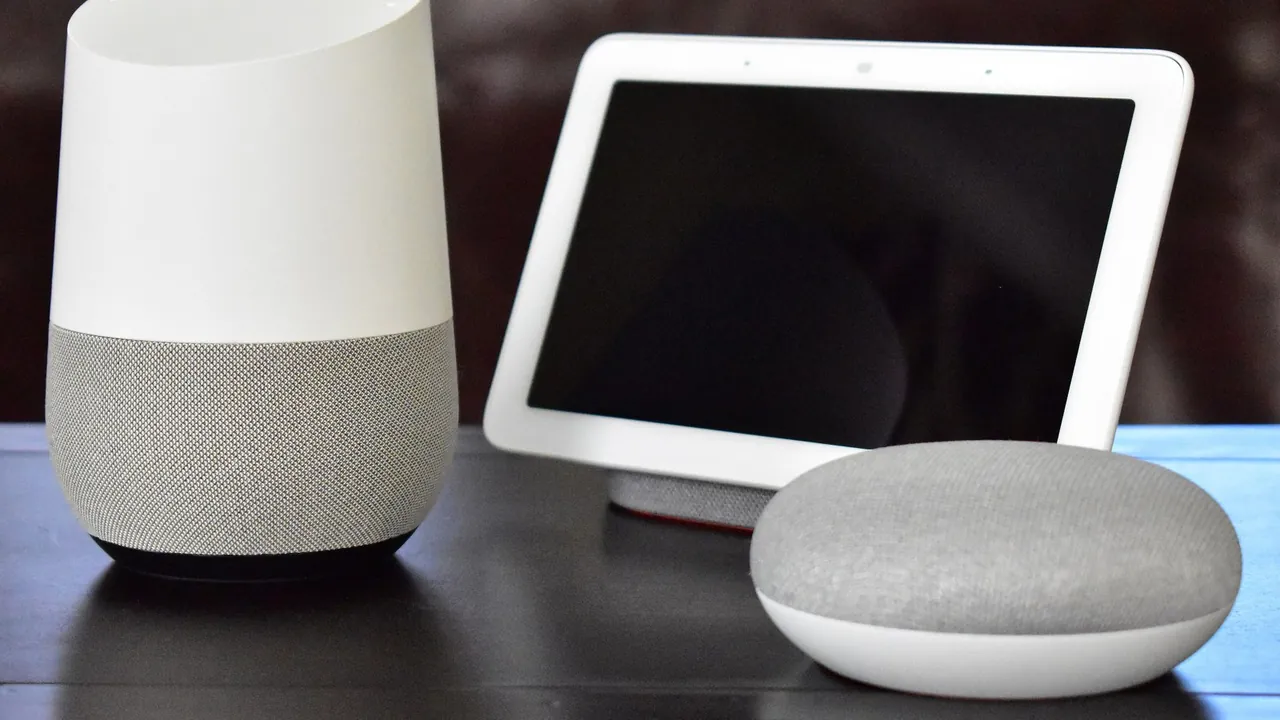
Send JFK from your phone or computer to your HomePod, Google Nest, Chromecast or AirPlay speaker.
STEP BY STEP
How to switch on JFK
- 1
Same Wi-Fi
Make sure your phone or computer and your speaker are on the same Wi-Fi network.
- 2
Tap Listen live
Then tap the speaker button in the player at the bottom of the page.
- 3
Choose your speaker
On iPhone, iPad and Mac, AirPlay opens. In Chrome on Android and on your computer you'll see your Chromecast and Google Nest devices.
OR LISTEN LIKE THIS